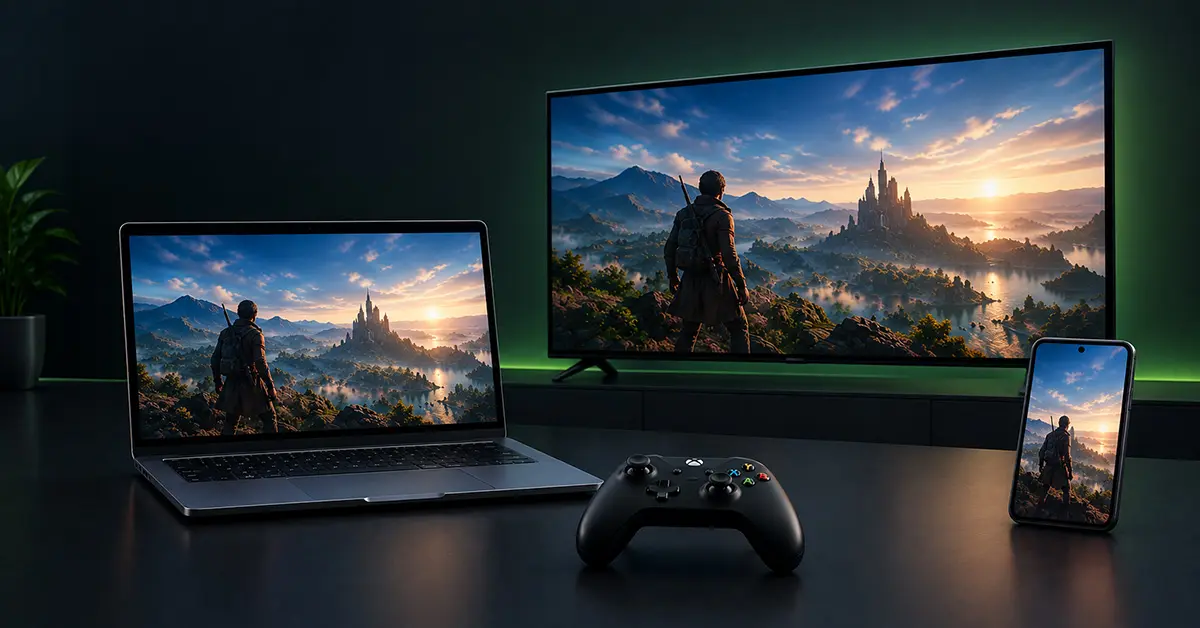
NVIDIA’s GeForce NOW cloud gaming service officially launched in India on July 15, 2026. This service allows gamers to stream PC titles they already own without the need for dedicated gaming hardware. This guide explains what GeForce NOW is, how it works, its pricing in India, available plans, supported devices, and the setup process.
Table of Contents
What Is GeForce NOW and Why Does It Matter for Indian Gamers?
GeForce NOW is NVIDIA’s cloud gaming service that streams PC games from remote RTX-powered servers to a user’s device instead of running them on local hardware. Your device only needs to display the video feed and send your button presses back to NVIDIA’s data center; the actual rendering happens on an RTX 5080 SuperPOD hundreds of kilometers away.
This means even an old laptop can run demanding games like Cyberpunk 2077 because the heavy processing is done on NVIDIA’s servers. This service is important for gamers in India as it makes gaming more affordable by removing the need for expensive hardware. Instead of buying a high-cost gaming PC, you can pay a monthly fee of ₹999, which is much cheaper, especially for students and those in smaller cities.
When Did GeForce NOW Launch in India?
GeForce NOW first arrived in India as a public beta on April 16, 2026, limited to waitlisted early-access users. NVIDIA then opened it to every Indian gamer on July 15, 2026, dropping the waitlist entirely and introducing paid monthly plans for the first time in the country. Beta participants received a one-time 20% discount on their first three months as a thank-you for early testing.
How Much Does GeForce NOW Cost in India?
GeForce NOW India costs ₹999 per month for the Performance tier and ₹1,999 per month for the Ultimate tier, both billed monthly, with optional day passes available. Day passes are also available for shorter commitments.
| PLAN | PRICE |
| Performance Plan | ₹999/month ₹399/day pass |
| Ultimate Plan | ₹1,999/month ₹799/day pass |
The Performance Plan supports RTX streaming, over 4,500 games, sessions of up to 6 hours, resolutions up to 1440p, and up to 60 FPS, while the Ultimate Plan offers RTX 5080-powered gaming, the same game library, sessions of up to 8 hours, resolutions up to 5K, and up to 360 FPS.
There are persistent cloud storage add-ons available for premium members: 200GB for ₹299/month, 500GB for ₹499/month, and 1 TB for ₹799/month, beneficial for players who want to avoid reinstalling games each session. UPI payments are now supported.
NVIDIA has introduced a free tier that is supported by ads, in addition to its paid plans. This free tier provides access to more than 2,000 supported games but with limited 1-hour gaming sessions. It provides a reasonable way for users to test their connection latency before committing to a paid plan.
What Devices Can You Use GeForce NOW On?
GeForce NOW is compatible with various devices, including Windows and Mac PCs, Android and iOS smartphones, most smart TVs, and select handheld devices. If a device can run a web browser or the NVIDIA app, it should be able to stream GeForce NOW.
What Internet Speed and Latency Should You Expect?
NVIDIA recommends a minimum internet speed of 15 Mbps for Performance streaming and at least 25 Mbps for Ultimate’s higher resolutions. A wired connection or a 5 GHz Wi-Fi connection is preferred for optimal performance. In India, the service operates from infrastructure based in Mumbai, so users located closer to western India typically experience lower latency compared with users in northeastern India. It’s advisable to test your internet speed and consider upgrading if your Wi-Fi connection is inconsistent.
Before you start gaming, ensure that your device meets NVIDIA’s minimum hardware and internet requirements. Since GeForce NOW streams games from the cloud, a high-end gaming PC is not necessary; however, your system should still align with the recommended specifications to ensure the best performance. You can verify your device’s compatibility and network setup by checking the official GeForce NOW website for compatible devices and system requirements.
How to Download and Install GeForce NOW?
Windows & Mac
- Visit the official GeForce NOW website.
- Download the Windows (.exe) or macOS (.dmg) installer.
- Install the app and sign in with your NVIDIA account.
Android
- Open the Google Play Store.
- Search for GeForce NOW and install it.
- Open the app and sign in.
iPhone & iPad
- Open Safari and visit play.geforcenow.com.
- Add it to your Home Screen if prompted.
- Sign in with your NVIDIA account.
On Smart TVs and Android TV
- Open your TV’s app store.
- Search for “GeForce NOW”.
- Install the app.
- Open it and log in.

Ajmal has a background in Communicative English and works across digital marketing, web development, content creation, and related digital areas. At Oratraex, he focuses on gaming, digital marketing, technology, and emerging digital trends, helping readers understand content that matters in the digital world.